How to Choose HR Software for a Growing Company: A Practical Buyer's Guide
Every vendor promises "all-in-one, easy, built to scale." Here's a practical framework for evaluating HR software around the criteria that actually predict whether you'll be happy in two years.
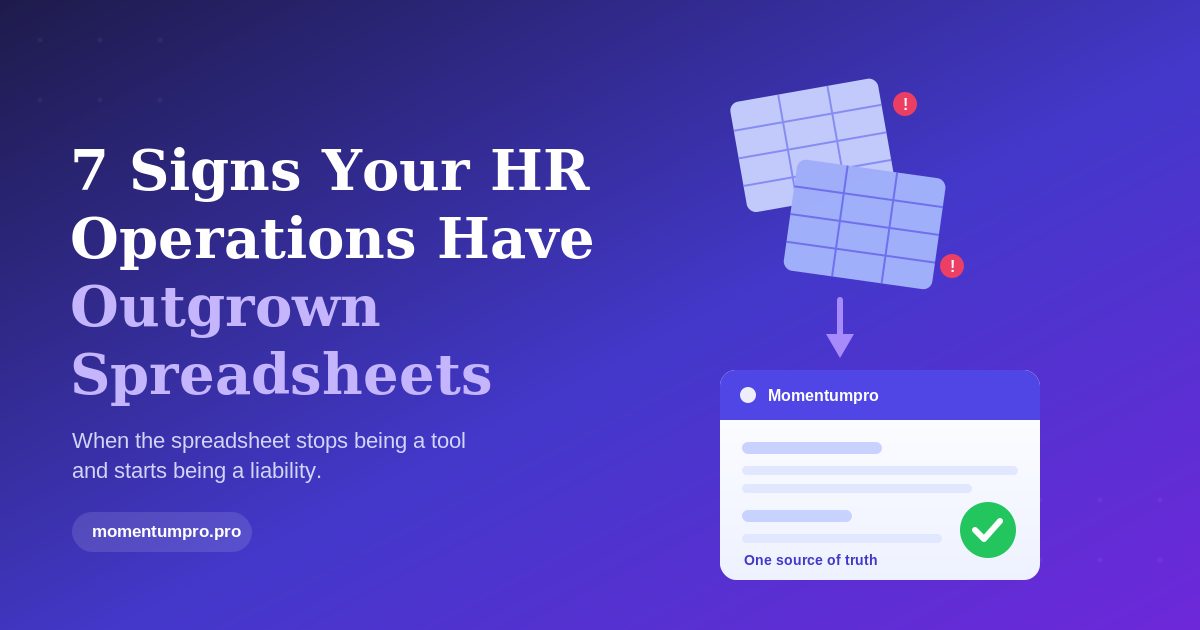
At some point, every growing company crosses the line from "we can manage this in spreadsheets" to "we need a system." Once you've accepted that — and if you've felt the pain of scattered data, lost approvals, and manual timesheets, you probably have — a harder question follows: which system?
It's a decision worth getting right. HR software sits at the centre of how your people experience the company, how accurately you pay them, and how confidently you can answer questions from finance, auditors, or leadership. Choose well and it quietly removes friction for years. Choose badly and you've signed up for an expensive migration, a frustrated team, and a tool people quietly work around.
The problem is that buying HR software is genuinely confusing. Every vendor's website promises the same things — "all-in-one," "easy to use," "built to scale" — and the feature lists blur together. This guide cuts through that. It's a practical framework for evaluating HR software as a growing company, organised around the criteria that actually predict whether you'll be happy in two years.
Start with your problems, not their features
The most common mistake buyers make is shopping for features. They build a giant spreadsheet of every capability each vendor offers, tick boxes, and pick whoever scores highest. The trouble is that a feature you never use is worthless, and a long feature list often hides a tool that's bloated and hard to adopt.
Start instead from the specific problems you're trying to solve, ranked by how much they hurt. Maybe leave tracking is chaos, timesheets are inaccurate, and onboarding is inconsistent — but recruitment is handled fine elsewhere. Write that down. Your shortlist should be judged on how well it solves your top three or four problems, not on who has the most features overall. A tool that nails your real pain points and ignores things you don't need will serve you far better than a sprawling suite you only use a tenth of.
The integration question: all-in-one vs. best-of-breed
This is the biggest structural decision, so it's worth thinking about deliberately. You can assemble best-of-breed point tools — one for leave, another for payroll, another for performance — and connect them, or you can adopt a single platform that does most of it in one place.
Best-of-breed tools can be excellent at their one job. But every tool you add is another login, another data export, another integration to maintain, and another place your employee records can fall out of sync. For most growing companies, the hidden cost of stitching tools together quietly exceeds any advantage of having the "best" tool for each function. An integrated platform, where the employee record, the leave balance, the timesheet, and the payroll input are all the same underlying data, removes a whole category of busywork — nothing has to be copied between systems because there's only one system. Unless you have a genuinely specialised need that no platform handles well, the consolidation usually wins.
Will people actually use it?
Here's the criterion buyers underrate the most: adoption. The best-designed HR system in the world is worthless if your managers find it confusing and your employees avoid it. And HR software is uniquely dependent on everyone using it — if half your team doesn't clock in through the app or submit requests in the system, your data is incomplete and you're back to chasing people.
So evaluate usability as seriously as functionality. When you trial a tool, don't just watch the polished sales demo — put it in front of an actual employee and a non-technical manager and watch them try to request leave or approve a timesheet without help. Pay close attention to the mobile experience, because a large share of your workforce will interact with HR primarily from their phones, not a desktop. If something feels clunky to you during a calm evaluation, it will feel worse to a busy employee on a Monday morning.
Does it fit the way you work?
Every company runs its processes a little differently — different approval chains, different leave policies, different role structures. A good HR platform should bend to fit how you already work, within reason, rather than forcing you to reorganise around its assumptions.
The key question is whether you can configure those things yourself, without paying for a consultant or filing a support ticket for every change. Can an admin set up a custom approval flow, define a new leave type, or adjust who sees what — through settings, not code? Configurability is what keeps a system useful as your policies evolve. At the same time, be honest about the opposite risk: a tool that can do anything but requires an expert to set up anything is its own kind of trap. Look for flexibility that a capable admin can actually handle.
Data, security, and compliance
HR systems hold your most sensitive data — salaries, identification numbers, performance notes, sometimes health information. That makes security and compliance a non-negotiable part of the evaluation, not an afterthought.
Ask concrete questions. Is data encrypted at rest and in transit? Where is it hosted, and does that location satisfy the regulations you operate under? Does the system support role-based access, so people only see what their job requires? Is there an audit trail of who changed what? For companies operating under regimes like GDPR — or planning to — does the vendor support your obligations around data retention, access, and deletion? A vendor that answers these clearly and specifically is showing you they take it seriously. Vague reassurance is a warning sign.
Pricing that scales with you — sensibly
Pricing models matter more than the headline number, because the headline number changes as you grow. Pay attention to how you're charged. Per-employee pricing is common and predictable, but check what happens as headcount climbs, whether there are tiers that unlock the features you actually need, and whether you're forced into an expensive plan just to get one or two capabilities.
Watch for the gap between the sticker price and the real cost: implementation fees, charges for additional modules, costs per integration, or premium support tiers. The goal is a model you can forecast confidently as you scale, with no nasty surprises when you add your fiftieth or hundredth employee. A transparent, modular pricing structure that lets you pay for what you use is usually a better long-term fit than a cheap entry tier that becomes costly the moment you grow into it.
Implementation and support
Finally, remember that you're not just buying software — you're buying the process of getting it running and the help you'll get when something goes wrong. Ask how migration works: who moves your existing employee data, how long it takes, and what it costs. Ask what onboarding and training the vendor provides. Ask what support looks like once you're live — real humans, response times, and whether help is included or an upsell.
This part is easy to skip during an exciting demo, but it's where a lot of HR software relationships succeed or fail. A capable platform with a painful implementation and slow support will frustrate you more than a simpler tool that's easy to set up and well supported.
A few red flags worth respecting
As you evaluate, watch for signals that tend to predict regret: a sales process that won't give you a straight answer on pricing; a demo that only ever shows the happy path and dodges your specific scenarios; a tool that requires professional services for routine changes; vague answers on security and data location; and reluctance to let you run a real trial with your own data. None of these is automatically disqualifying, but each one is a reason to dig deeper before you commit.
Turning this into a decision
You don't need a hundred-row spreadsheet. A simple scorecard works: list your top three or four problems, then rate each shortlisted tool on how well it solves them, how easily your team could actually adopt it, how well it fits your processes, how it handles security, how its pricing scales, and how the implementation looks. Weight the things that matter most to you, run a real trial with the two or three that lead, and trust what you see when actual employees use it.
Choosing HR software is one of those decisions where a little structure goes a long way. Shop for your real problems, favour consolidation over a patchwork, treat adoption as seriously as features, and look past the demo to security, pricing, and support. Do that, and you'll end up with a system your team actually uses — which, in the end, is the only kind worth buying.
Momentumpro was built for exactly this kind of buyer: a growing company that wants HR, attendance, leave, documents, requests, payroll inputs and reporting in one place, configurable without code, on web and mobile, with security and support that hold up as you scale. If your shortlist is taking shape, it's worth a look.