HR Automation: What to Automate First When You're Scaling Past 50 Employees
"Automate everything" is bad advice. Here's the right order to automate HR — what to tackle first, what to leave for later, and how to tell the difference.
There's a particular kind of tired that hits a growing company's HR function. It isn't the tiredness of hard, meaningful work. It's the tiredness of doing the same small task for the four-hundredth time — copying a leave request into a spreadsheet, chasing a manager for an approval, recalculating a timesheet by hand, answering "how many days do I have left?" for the third time this week. None of it is difficult. All of it is necessary. And together, it quietly eats the hours your team should be spending on the work only people can do.
That's the moment companies start thinking seriously about HR automation. And it's also the moment they're most likely to get it wrong — because the instinct is to automate everything at once, and "everything at once" is a recipe for a stalled project and a frustrated team.
Automation done well is sequential. You start with the processes that are high-volume, rule-based, and painful, prove the value quickly, and let each win fund the confidence for the next. This article is a practical guide to that sequence: what to automate first, what to leave for later, and how to tell the difference.
First, a reframe: automation removes busywork, not people
Before the order of operations, it's worth being clear about what HR automation actually is, because the word makes people nervous. Automating HR doesn't mean replacing your HR team with software. It means taking the repetitive, mechanical parts of their job — the data entry, the chasing, the manual calculations, the copy-pasting between systems — and letting a system handle them, so the people are freed up for the parts that genuinely need judgment, empathy, and experience.
A good test for whether a task is a candidate for automation: if you can write down the rule for how it should be handled, and that rule rarely changes, a machine can probably do it more reliably than a human juggling forty other things. Approving a standard leave request is a rule. Calculating overtime is a rule. Reminding someone that a contract expires in thirty days is a rule. Coaching a struggling manager is not. The goal is to give the rules to the system and keep the judgment with your people.
With that frame in place, here's the sequence.
Start where the pain is loudest: leave and time off
Almost every company should automate leave management first, for one simple reason: it's the process that touches the most people, follows the clearest rules, and generates the most repetitive admin. Every employee takes leave. Every request needs an approval. Every balance needs tracking. And in a spreadsheet world, every one of those steps is manual.
Automating it is also satisfyingly self-contained. An employee submits a request from their phone, the system checks their balance automatically, routes it to the right approver, records the decision, and updates the balance — with no one retyping anything. The payoff is immediate and visible: managers stop losing requests in email, employees stop asking HR for their balance, and the numbers are finally trustworthy because they were never touched by hand. Because the win is so clear and so fast, leave is the ideal place to build momentum and earn buy-in for everything that follows.
Next, tighten the thing that feeds payroll: attendance and timesheets
Once leave is handled, attendance and time tracking is the natural follow-on — and it's the automation with the most direct financial stakes, because it feeds payroll. Manual timesheets are a quiet tax: a few minutes rounded up here, a forgotten entry there, an honest mistake in the overtime math, and suddenly you're either overpaying or underpaying, and you can't fully defend the numbers if anyone asks.
Automated attendance closes that gap at the source. When employees clock in and out from an app, with the entries time-stamped and (where appropriate) location-verified, the hours, overtime, and timesheets calculate themselves. You stop reconciling paper, you stop doing manual math, and you get records that hold up for both payroll and compliance. For a growing company, the accuracy alone usually justifies the move — and the hours saved at every month-end are a bonus.
Then automate the back-and-forth: requests and approvals
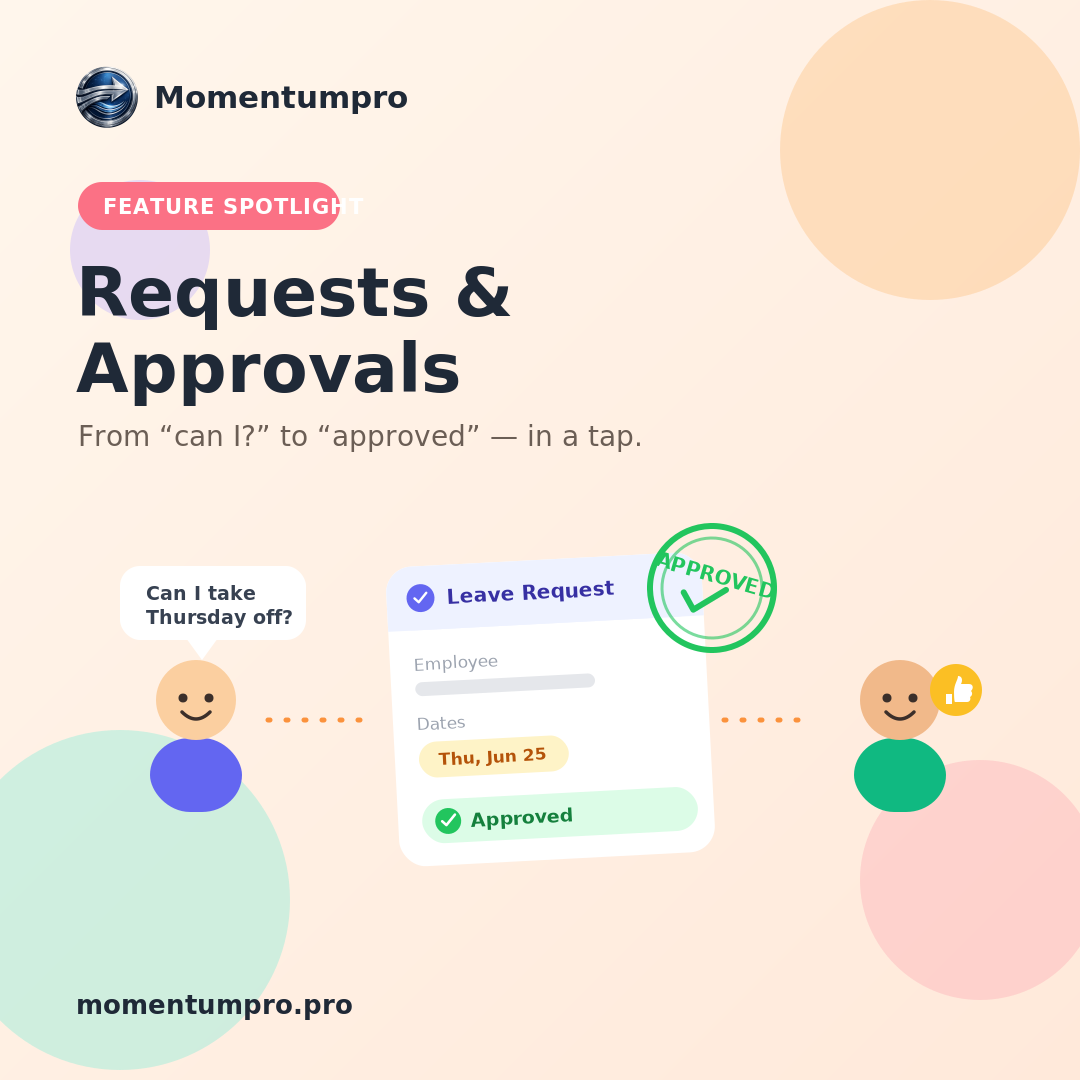
Leave and attendance are specific cases of a more general problem: things employees need to ask for, and managers need to approve. Expense claims, equipment requests, schedule changes, document requests, permission for early departures — every one of them, left unautomated, becomes an email thread that someone has to remember to follow up on.
The fix is a single, consistent request-and-approval flow. The employee submits a structured request, the system routes it to the right person (or the right chain of people) based on rules you define, sends reminders so nothing stalls, and keeps a permanent record of who approved what and when. The value here is partly speed, but mostly accountability: when the approval chain is built into the system, you stop reconstructing decisions from memory six months later, and nothing important falls through a crack.
Build the foundation everything else relies on: documents and records
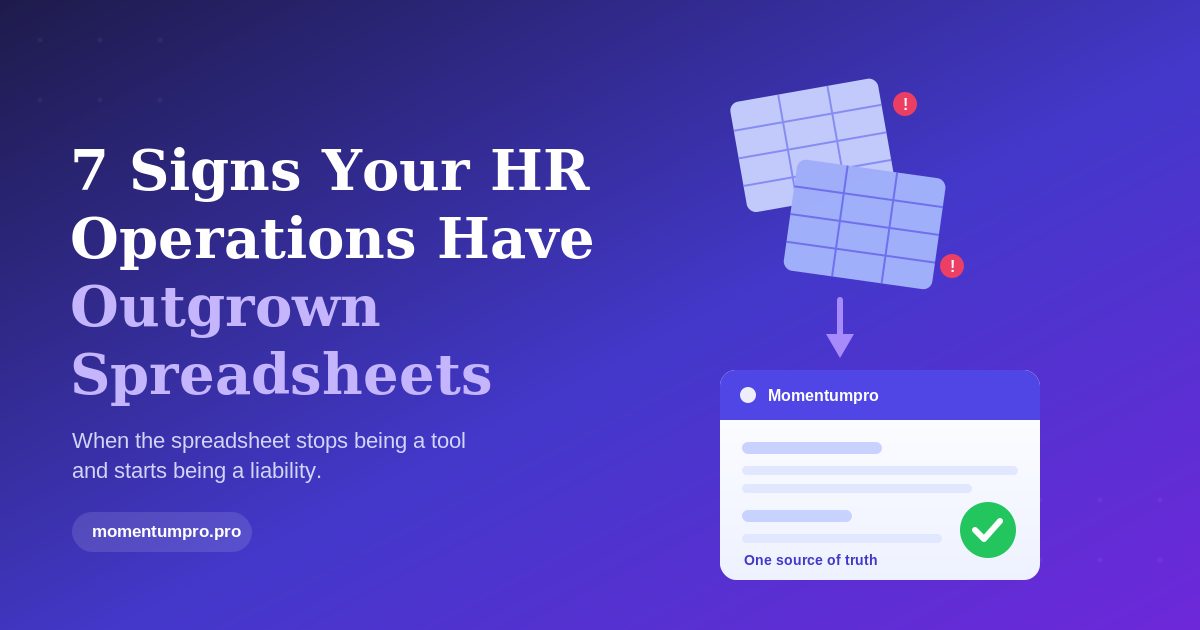
Underneath all of this sits a less glamorous but essential candidate for automation: your documents and employee records. Contracts, policies, signed acknowledgments, certifications, IDs — in most growing companies these live scattered across drives, inboxes, and filing cabinets, with no reliable way to find the current version or know what's expiring.
Centralizing them into a single system, where each record lives in one place and the system can automatically flag what needs renewing, isn't flashy, but it pays off everywhere. It's what makes onboarding fast, audits survivable, and the rest of your automation trustworthy — because automated processes are only as good as the data they run on. Get your single source of truth in order, and every other automation gets more reliable.
Make the repeatable processes truly repeatable: onboarding and offboarding
With records centralized, onboarding and offboarding become a strong next target. These are processes that should be identical every time but, when run from memory, never are. A new hire needs a record created, accounts set up, policies signed, equipment issued, and a manager introduction — and if any step depends on one person remembering, it will eventually be missed. Offboarding carries even more risk, because a forgotten step can mean an ex-employee who still has access they shouldn't.
Turning these into automated workflows — a defined checklist that triggers the right tasks, assigns them to the right people, and tracks completion — removes the reliance on memory entirely. Everyone gets a consistent experience, nothing is skipped, and the security risks of a missed offboarding step largely disappear. It's automation as insurance.
Finally, automate the questions themselves
The processes above handle the work. But there's one more layer that's easy to overlook: the constant stream of simple questions. "How much leave do I have?" "Where's my latest payslip?" "What's the policy on remote work?" "How do I submit an expense?" Individually trivial, collectively a significant drain — each one a small interruption pulling someone away from deeper work.
This is where a built-in AI assistant earns its place. When employees can ask routine questions in plain language and get an instant, accurate answer — or even have the assistant carry out the action, like submitting a request, with a confirmation step before anything changes — the repetitive question load on your HR team drops sharply. The key is that this comes last in the sequence, not first: an AI assistant is only useful once the underlying data and processes it draws on are already clean and automated. Automate the foundations, then let AI sit on top of them.
A simple rule for deciding what's next
If you strip this sequence down to a single principle, it's this: automate in order of volume times pain, starting with whatever is most rule-based. The processes that happen most often, frustrate people most, and follow the clearest rules are the ones where automation pays back fastest. Leave, attendance, and approvals almost always top that list, which is why they come first. The more judgment-heavy and infrequent a process is, the later it belongs in your plan — or the more it should stay with your people.
You also don't need to do it all at once, and you shouldn't try. The companies that succeed with HR automation treat it as a series of small, compounding wins rather than one big transformation. Each automated process frees up time and builds confidence, which makes the next one easier. Within a couple of quarters, a function that was drowning in manual admin can be running most of its routine work automatically — without anyone feeling like they were replaced, because they weren't. They were freed up.
Where to start this week
If you take one action from this, make it the smallest possible version of step one: pick your single most repetitive, most rule-based process — for most companies that's leave — and automate just that. Prove the win, measure the hours it gives back, and use that proof to sequence the rest.
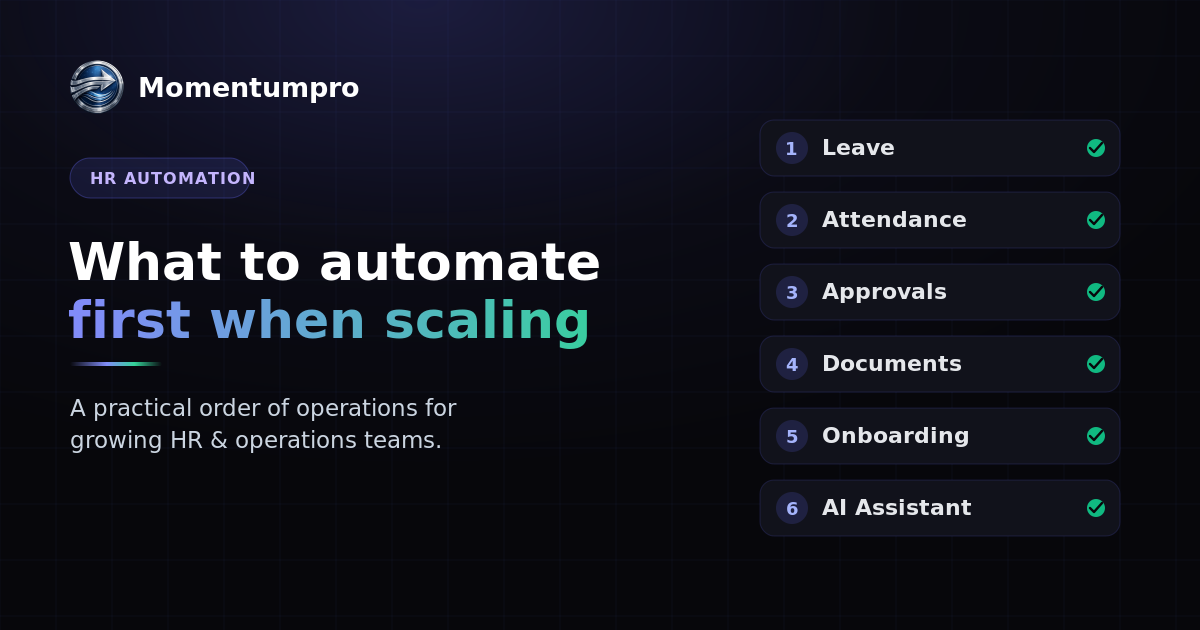
Momentumpro was built to support exactly this progression: leave, attendance, requests, documents, onboarding, and a built-in AI assistant, all on one platform, so each automation builds on the same trusted data instead of adding another disconnected tool. You don't have to automate everything to feel the difference — you just have to start in the right place.
Curious what automating your first HR process would look like? Explore Momentumpro or start a free trial today.